This page contains examples of Astro Accelerator components. You can use this to review the visual appearance of the components, or as an example of how to use them.
Page links
Added automatically to list pages.
Block quote
Markdown:
> Quiet minds cannot be perplexed or frightened
> but go on in fortune or misfortune at their own
> private pace, like a clock during a thunderstorm.
> <cite>Robert Louis Stevenson</cite>
Result:
Quiet minds cannot be perplexed or frightened but go on in fortune or misfortune at their own private pace, like a clock during a thunderstorm. Robert Louis Stevenson
Code
Markdown:
Inline `code` and a code block.

    const elem = document.querySelector('.elem');

A code block with a language set.

```javascript
const elem = document.querySelector('.elem');
```
Result:
Inline code and a code block with a language set.
const elem = document.querySelector('.elem');Custom elements
The custom elements use the : syntax. ::: is a block element and : is an inline element. If you next block elements, you can increase the number of colons, for example ::::, which can wrap around block elements that use :::. Or you can switch to HTML.
Note
Markdown:
:::div{.note}
This is a custom div element with the class `note`
:::
Result:
This is a custom div element with the class note
Simple grid
Markdown:
:::figure{.simple-grid}
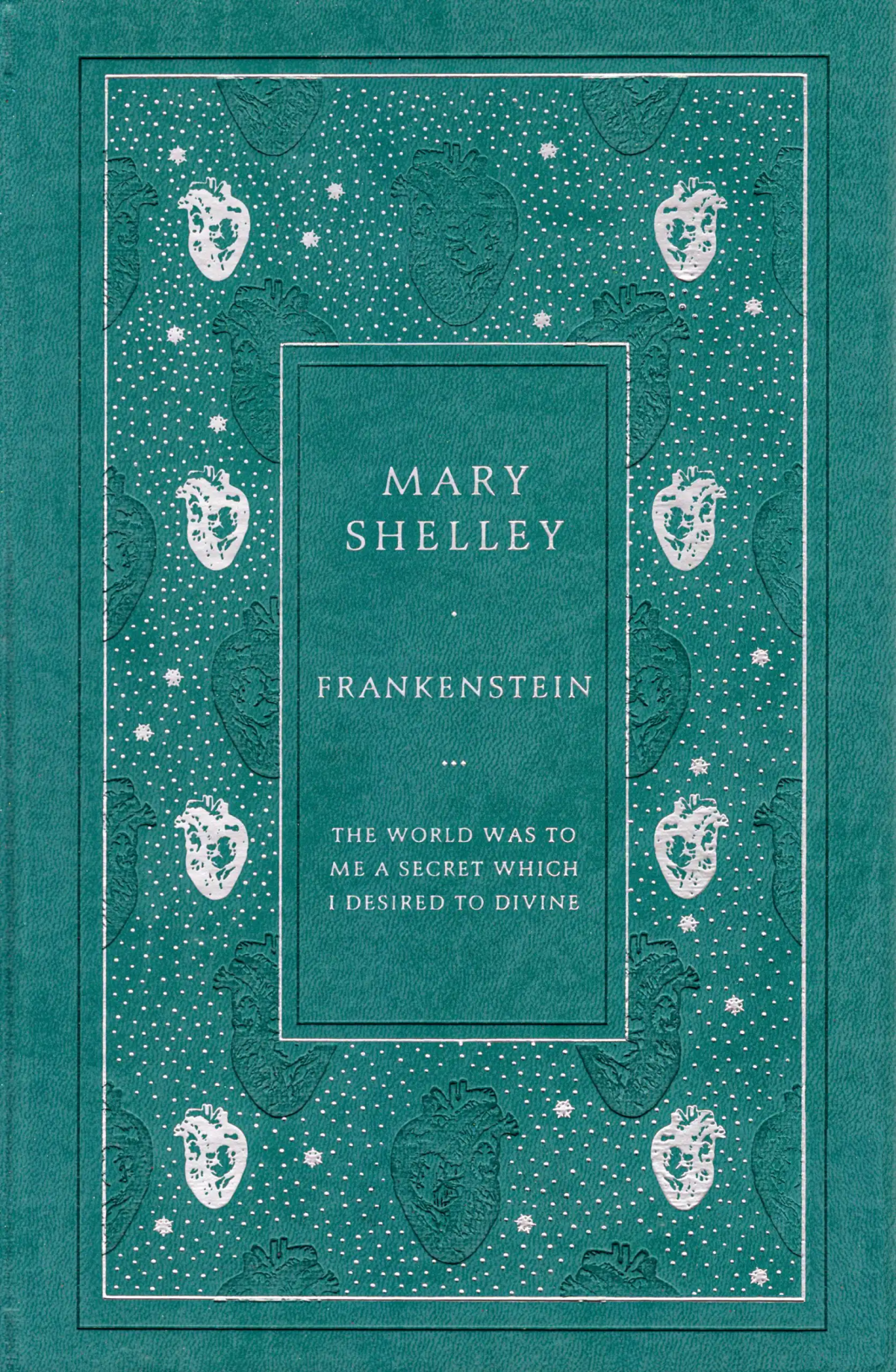
:img{ src="/img/frankenstein.png" alt="Book cover" loading="lazy" }

:img{ src="/img/frankenstein.png" alt="Book cover" loading="lazy" }
:::
Result:
Nested blocks
Outer blocks must have more : characters than inner blocks:
::::div{.simple-grid}
:::div{.note}
This is a custom div element with the class `note`
:::
:::div{.note}
This is a custom div element with the class `note`
:::
::::
Result:
This is a custom div element with the class note
This is a custom div element with the class note
Images
Markdown:
:img{ src="/img/frankenstein.png" alt="Book cover" loading="lazy" }This creates the following HTML (or similar):
<img
    src="/i/x/frankenstein.png"
    alt="Book cover"
    loading="lazy"
    srcset="
        /i/400/frankenstein.webp  400w,
        /i/700/frankenstein.webp  700w,
        /i/1000/frankenstein.webp,
        1000w
    "
    sizes="(max-width: 860px) 100vw, 66vw"
    class="resp-img"
/>
Result:
You can also wrap images in figures and optionally add a caption:
:::figure
:img{ src="/img/frankenstein.png" alt="Book cover" loading="lazy" }
::figcaption[The modern hardback edition of Frankenstein]
:::
Videos
A YT video alone will auto-embed behind a click
You can link YT video inline and it won’t be converted to an embed. Like the one at the start of this paragraph.
Lists
Markdown:
1. Item
1. Item
    - Nested Item
1. Item

    Item additional paragraph.
Result:
-
Item
-
Item
- Nested Item
-
Item
Item additional paragraph.
Horizontal rule
Markdown:
---Result:
Links
Markdown:
<https://astro.stevefenton.co.uk/kitchen-sink/>

[Astro Accelerator](https://astro.stevefenton.co.uk/ 'The Astro Accelerator Site')
Result:
https://astro.stevefenton.co.uk/kitchen-sink/
Tables
Markdown:
| Item                         |  One  |  Two  | Three |
| :--------------------------- | :---: | :---: | :---: |
| Some description of the item |   1   |   2   |   3   |
| Some description of the item |   2   |   3   |   4   |
| Some description of the item |   3   |   4   |   5   |
Result:
| Item | One | Two | Three |
|---|---|---|---|
| Some description of the item | 1 | 2 | 3 |
| Some description of the item | 2 | 3 | 4 |
| Some description of the item | 3 | 4 | 5 |
A large table:
| Performance level | Lead time | Deployment frequency | Change failure rate | Mean time to resolve |
|---|---|---|---|---|
| Elite | < 1 hour | Multiple times per day | 0-15% | < 1 hour |
| High | 1 day - 1 week | Weekly to monthly | 16-30% | < 1 day |
| Medium | 1-6 months | Monthly to biannually | 16-30% | 1 day - 1 week |
| Low | > 6 months | Fewer than once every 6 months | 16-30% | > 6 months |
Text
Markdown:
Text can use _emphasis_ or **strong**. You can create\
line breaks.
Result:
Text can use emphasis or strong. You can create
line breaks.
Headings
This section has all headings, from level 1 (above) to level 6.
Heading 2
Example text.
Heading 3
Example text.
Heading 4
Example text.
Heading 5
Example text.
Heading 6
Example text.